How to Sync an LED Wall with Worship Software
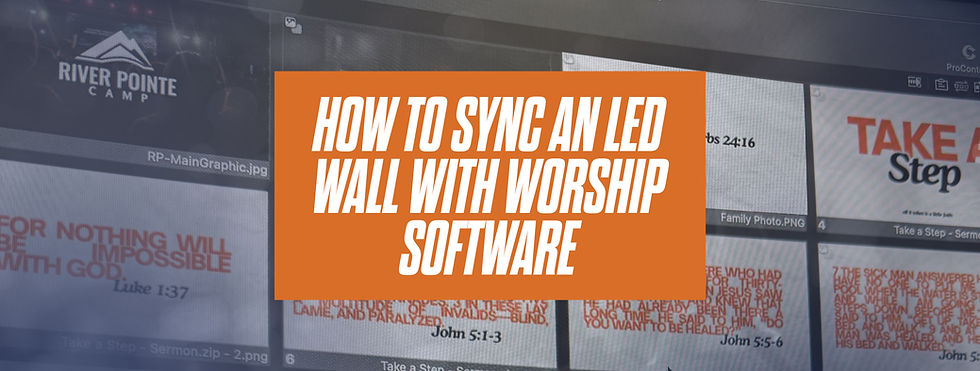
An LED wall can carry lyrics, a camera shot, and a backdrop in the same service. It only helps if those pieces land together.
When the words trail the band, or the live shot stutters, people notice the screen instead of the moment. Sync is mostly a setup problem, not a talent problem. Clean gear, a short signal path, and a processor that matches the wall will fix more Sunday issues than a new plugin.
Sync an LED Wall with Worship Software
Most churches already own the software. The missing piece is a clean path from that computer to the wall.
On our systems that path runs through a NovaStar processor. A VX600 is enough for many smaller walls. A VX1000 is the better fit when the wall is wider or you need more inputs. The processor maps the image across the cabinets so one slide does not arrive in pieces.
To sync an LED wall with worship software, bring in the sources you already use:
HDMI from the computer running lyrics
SDI or HDMI from the cameras
A switcher in between if you are already cutting a program feed
That is the whole path. Computer or switcher, into the processor, out to the wall.
Lyrics
ProPresenter, EasyWorship, and similar software already output a normal video signal. You do not need a special church version of the wall.
Send that output to the processor over HDMI. Set the wall resolution to match the layout you built, not a guess. If the software is sending 1920×1080 and the wall is mapped to that canvas, lyrics stay sharp and you avoid a second scaling step that adds delay.
Refresh rate matters here. A 3,840 Hz wall keeps text steady in the room and on a livestream. Lower refresh is a common reason lyrics look fine to the eye and banded on camera.
Cameras
A shot of the baptistry, the choir, or a speaker only works if it feels live.
Cameras should hit a switcher or the processor on SDI or HDMI, not through a long chain of converters. Every extra converter is another place for delay. If the mouth on stage and the mouth on the wall do not match, shorten the path before you blame the camera.
Use the wall for the shots people cannot see well from their seat. You do not have to keep a camera up for the whole service.
Scenes, not scrambling
Build a few looks before Sunday:
Lyrics only
Lyrics over a still background
Full-screen camera
A holding slide for transitions
Save them in the software or on the switcher. The goal is one button, not a rebuild mid-song.
Brightness should be set for the room with the lights where you actually run them. A wall that looks perfect in a dark rehearsal can blow out once the house lights are up. Set it once in a real service condition and leave it.
Why this belongs in more than a modern room
Sync is not a style. A traditional sanctuary with stained glass needs the same clean path as a dark auditorium. The difference is brightness and placement, not the software.
LED earns its place when it does quiet work: words the back row can read, a face the balcony can see, a backdrop that changes without a new set. It should not be the loudest thing in the room.
A simple check before you go live
Confirm the processor matches the panel count.
Send lyrics over HDMI and read them from the back row.
Cut a camera and watch for delay against the platform.
Record a phone video of the wall and look for flicker.
Save the Sunday scenes so a volunteer is not building them live.
If the words trail or the camera lags, it is almost always the path, not the panels.
Send us the software you run, how you switch cameras, and a rough wall size. We will tell you whether a VX600 or a VX1000 fits, and what the signal path should look like before install day.